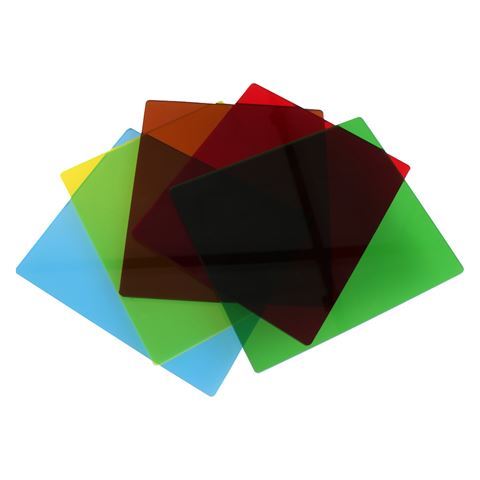
Use the StudioKing SK-OS1 to project shapes onto your background for portraits, product photography or video. The optical lens lets you focus the edges of a pattern. Add a colour filter to tint the projected light.
Will it fit your light?
Check that your studio flash or compatible LED fixture has a Bowens or Linkstar mount that accepts the supplied adapter. Check your light’s manual for compatible accessories.
Set up and focus the pattern
Aim the snoot at the background and insert a gobo or colour filter. Slide the focus knob until the edges look sharp. Change the distance from the background to resize the projection, then refocus. Switch off the light and let it cool before changing a gobo or filter.
What’s in the box
One optical snoot with lens, one gobo holder, one Bowens/Linkstar adapter ring, five metal gobo plates and five filters in red, green, blue, yellow and orange. Patterns include a window, moon, hearts, dots and an autumn leaf.
Browse studio lighting · See the StudioKing SK-CS22 for a narrower beam